Audio Visual & Creative Services
Multimedia production support from video production to streaming as well as AV equipment bookings and support.
System Design & Specialty Spaces
If you are thinking of renovating or building a meeting room, conference room, lab, auditorium or classroom, we can provide guidance in AV system design, procurement, and audio visual equipment installation.
Events and AV Support
Our UBC IT Okanagan is available to support your audio visual needs for on-campus events. We will help identify your AV needs and provide comprehensive, hands-on training and guidance for your event, big or small.
Classroom Support
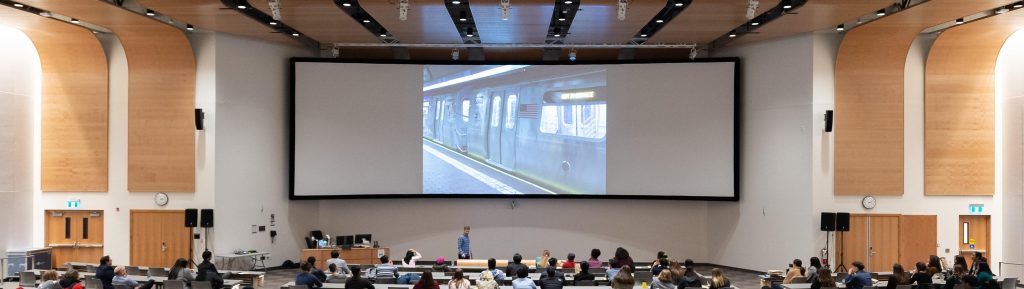
UBC IT Okanagan supports AV technology in centrally funded teaching spaces. These spaces are maintained by IT to ensure a consistent classroom experience for faculty and students.
Meeting Spaces
UBC IT Okanagan supports AV technology for centrally funded meeting spaces. These spaces are available across campus and are managed and maintained by IT to ensure a consistent experience for faculty and staff.
UBC Studios Okanagan
The UBC Studios is dedicated to the production of video and its relationship to teaching and learning within UBC’s Okanagan campus community and beyond.
Video Conferencing
There are many supported videoconference (VC) options available to Faculty and Staff at UBCO, from apps on your phone or laptop through to large on-campus VC rooms.
Digital Signage
Digital signage provides the functional capacity to deliver announcements, news, student activities, videos, campus-generated content and events, as well as critical campus updates such as weather advisories and emergency information.
Self support and instructional videos
Are you curious to see what we have to offer? Learn more about the audio visual technology available on campus, AV support videos and suggestions.